
Understanding Cloud Hosting: A Professional Guide to Its Functionality
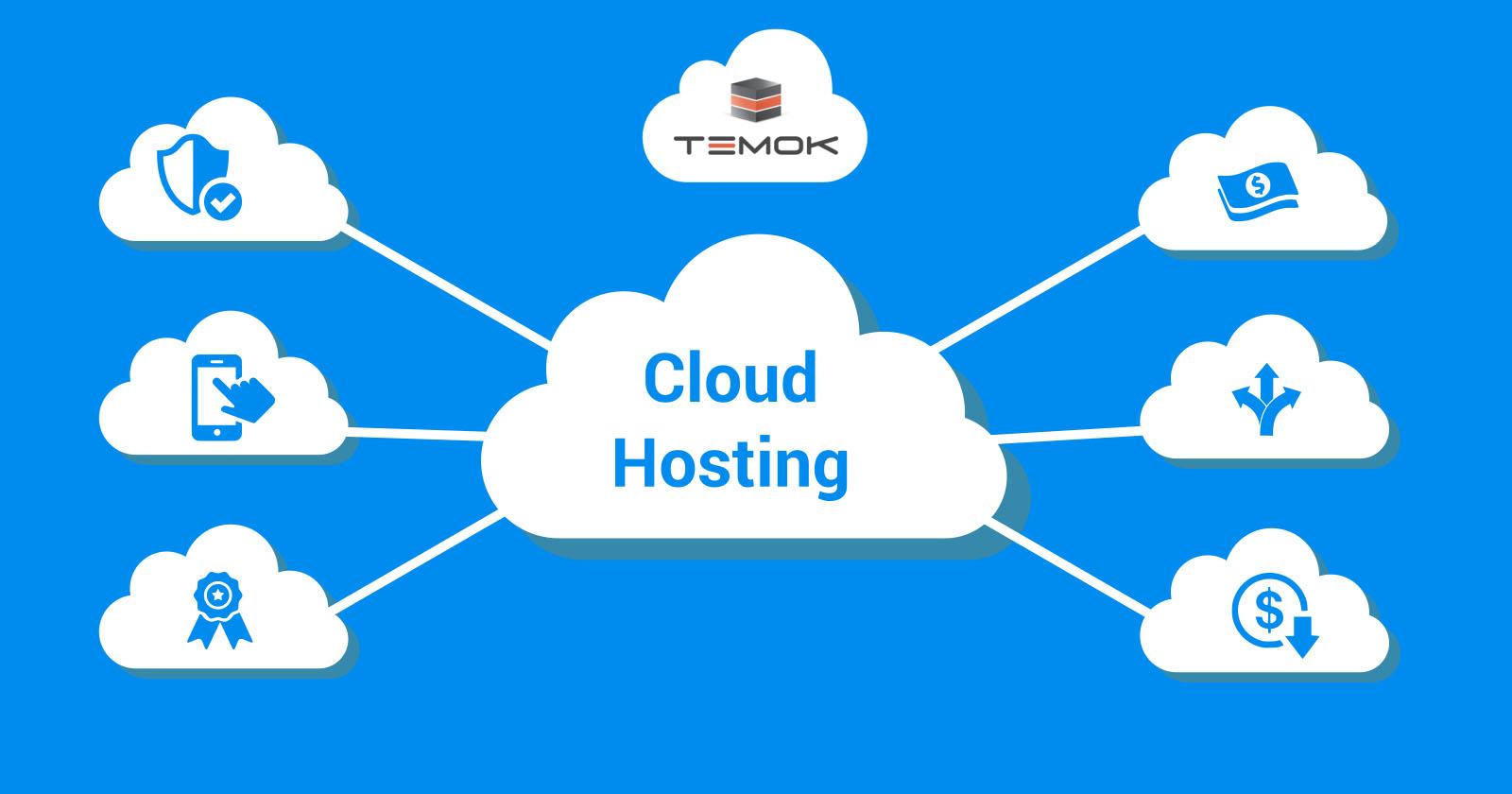
In today’s digital landscape, the shift toward cloud computing has revolutionized how businesses of all sizes approach their IT infrastructure. Cloud hosting, in particular, has emerged as a key player in this transformation, offering scalable, flexible, and cost-effective solutions that empower organizations to innovate and grow. But what exactly does cloud hosting entail, and how does it function behind the scenes?
This article aims to demystify cloud hosting by exploring its core components, benefits, and operational mechanisms. Whether you’re a seasoned IT professional or a business owner looking to leverage cloud technology, our comprehensive guide will equip you with essential insights to make informed decisions. Join us as we delve into the intricacies of cloud hosting, uncovering how it can streamline operations, enhance performance, and ultimately drive your business forward.
Table of Contents
- Exploring the Fundamentals of Cloud Hosting Architecture
- Key Benefits of Cloud Hosting for Modern Businesses
- Essential Considerations When Choosing a Cloud Hosting Provider
- Best Practices for Optimizing Your Cloud Hosting Experience
- Final Thoughts
Exploring the Fundamentals of Cloud Hosting Architecture
Cloud hosting operates on a distributed architecture that separates data and applications across various virtual servers, rather than relying on a single physical server. This multi-dimensional approach enhances scalability, flexibility, and reliability. Key components of cloud hosting architecture include:
- Virtualization Layer: Abstracts the physical hardware, allowing multiple virtual machines to run on a single server.
- Storage Systems: Distributed storage that ensures data redundancy and accessibility, often utilizing technologies like cloud storage clusters.
- Load Balancers: Distributes incoming traffic efficiently across multiple servers to prevent overload.
Besides the core components, an effective cloud hosting architecture also embraces a microservices structure, allowing applications to be developed and deployed as independent services. This modularity fosters continuous integration and deployment, making updates seamless. A simplified view of this architecture can be illustrated in the following table:
| Component | Functionality |
|---|---|
| Compute | Processes and executes applications. |
| Network | Facilitates data transfer and communication. |
| Security | Protects data integrity and privacy. |
| Management Tools | Monitors performance and resource allocation. |
Key Benefits of Cloud Hosting for Modern Businesses
Cloud hosting offers significant advantages that can greatly enhance the operational efficiency of modern businesses. One of the primary benefits is scalability; companies can easily adjust their resources according to fluctuating demands, whether they experience a sudden spike in traffic or need to scale back during quieter periods. This flexibility allows businesses to optimize their costs, ensuring they only pay for what they use. Additionally, cloud hosting provides increased collaboration opportunities, enabling teams to work together seamlessly across different geographical locations. With real-time access to data and applications, employees can stay productive and engaged, regardless of where they are located.
Another key advantage is enhanced security. Most reputable cloud service providers offer robust security measures that include data encryption, firewalls, and regular backups. This level of security is often superior to what many small and medium businesses can achieve on their own. Furthermore, cloud hosting supports disaster recovery solutions, allowing businesses to quickly restore data and maintain operations in the event of a system failure or data loss. Below is a simple comparison of traditional hosting versus cloud hosting benefits:
| Feature | Traditional Hosting | Cloud Hosting |
|---|---|---|
| Scalability | Limited | Highly Scalable |
| Security | Basic | Advanced |
| Cost Management | Fixed Costs | Pay-as-you-go |
| Backup & Recovery | Manual | Automated |
Essential Considerations When Choosing a Cloud Hosting Provider
Choosing the right cloud hosting provider is crucial to the success of your online presence. There are several factors you need to evaluate to ensure you’re making the optimal choice. First, consider the performance and reliability of the provider. Look for uptime guarantees—ideally 99.9% or higher—and understand their infrastructure capabilities. Scalability is also key; after all, your needs may grow over time. You should assess whether the provider offers flexible options that grow with you, without hefty penalties for scaling up.
Another essential aspect to examine is the security features available. With frequent reports of cyber threats, it’s imperative you prioritize a provider that offers robust security measures. Look for features such as encryption, firewalls, and regular security audits. Additionally, consider the support and customer service provided. Responsive support can make a significant difference, especially during critical operations. Evaluate their support availability (24/7 vs. business hours) and the channels offered (chat, email, phone). Here’s a quick comparison of factors you should look out for:
| Factor | Considerations |
|---|---|
| Performance | Uptime guarantees, speed, load balancing |
| Security | Encryption options, backup solutions, DDoS protection |
| Support | Availability, response times, support channels |
| Pricing | Transparent pricing model, scalability costs |
Best Practices for Optimizing Your Cloud Hosting Experience
To enhance your cloud hosting experience, it’s crucial to choose the right service model that fits your business needs. Whether you opt for Infrastructure as a Service (IaaS), Platform as a Service (PaaS), or Software as a Service (SaaS), understanding the differences will help you allocate resources efficiently. Moreover, consider the following strategies:
- Regularly evaluate your resource usage to avoid over-provisioning or under-utilization.
- Utilize auto-scaling features to dynamically adjust your resources based on demand.
- Implement a robust backup policy to safeguard your data.
Another essential practice is to optimize your cloud security measures. Cloud environments can be vulnerable to various threats if not properly secured. Implementing a multi-layered security approach, including:
- Firewall configurations
- Data encryption
- Regular security audits
can significantly mitigate risks. Consider the following table to summarize these best practices:
| Practice | Description |
|---|---|
| Resource Management | Maintain optimal resource levels for cost efficiency. |
| Auto-Scaling | Adjust resources based on traffic and usage demands automatically. |
| Security Layering | Utilize multiple security protocols to protect cloud data. |
Final Thoughts
As we conclude our exploration of cloud hosting, it’s clear that this technology is not just a fleeting trend, but a foundational element of modern computing. With its ability to provide scalable resources, enhance collaboration, and improve operational efficiency, cloud hosting paves the way for businesses of all sizes to thrive in today’s digital landscape.
Understanding its functionalities equips professionals with the knowledge needed to make informed decisions for their organizations. As you consider adopting cloud solutions, remember to assess your unique needs and the long-term implications of your infrastructure choices.
Whether you’re a small startup or an established enterprise, embracing cloud hosting can transform the way you operate, innovate, and connect with your customers. Stay informed, stay agile, and leverage the power of the cloud to propel your business forward. Thank you for joining us on this journey through the intricacies of cloud hosting—here’s to a future of boundless possibilities!