
Mastering Page Builders: Enhancing Your WordPress Hosting
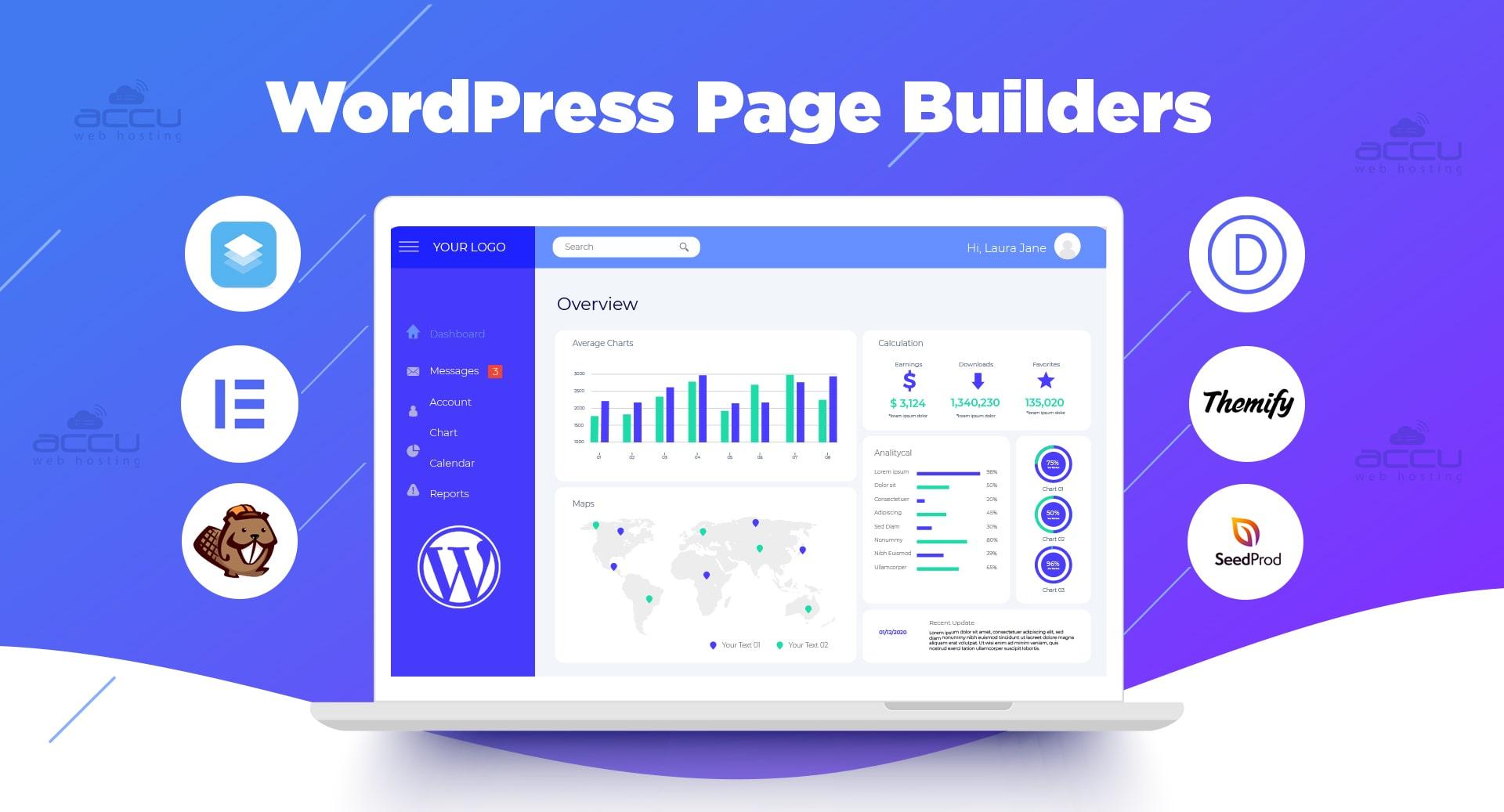
In today’s digital landscape, a visually appealing and functional website is crucial for capturing the attention of visitors and converting them into loyal customers. With WordPress powering over 40% of the internet, it has become the go-to platform for businesses, creatives, and bloggers alike. However, the true potential of this powerful CMS can only be realized with the right tools at your disposal. Enter page builders—essential plugins designed to simplify the web design process, offering intuitive interfaces and customizable features that empower users to craft stunning websites without needing extensive coding knowledge.
In this article, we’ll explore the world of page builders and how they can revolutionize your WordPress hosting experience. From understanding the key features that set the best page builders apart to practical tips for optimizing performance and functionality, we’ll guide you on your journey to mastering these powerful tools. Whether you’re a seasoned developer or a newcomer to web design, learning how to leverage page builders effectively will elevate your WordPress hosting capabilities, ensuring your site stands out in a crowded online space. Join us as we delve into the strategies and insights that will help you create beautiful, user-friendly websites tailored to your unique vision.
Table of Contents
- Exploring the Top Page Builders for WordPress Hosting Performance
- Optimizing Page Speed: Best Practices for Page Builders
- Designing with Flexibility: Customization Features to Enhance User Experience
- Integrating SEO Strategies into Your Page Builder Workflow
- Insights and Conclusions
Exploring the Top Page Builders for WordPress Hosting Performance
When it comes to building high-performance websites on WordPress, the choice of a page builder can significantly impact your site’s loading speed, responsiveness, and overall user experience. Some of the top contenders in the market today include Elementor, Beaver Builder, and WPBakery, each offering unique features tailored for different needs. As you explore these options, consider aspects like drag-and-drop functionality, ease of use, and the variety of templates available. A powerful page builder can help streamline your design process, enabling you to create stunning layouts without compromising site performance.
Moreover, integrating powerful plugins with your chosen page builder can further enhance your website’s capabilities. Here’s a quick comparison of features offered by popular page builders:
| Page Builder | Responsive Design | Pre-built Templates | Custom CSS |
|---|---|---|---|
| Elementor | ✔️ | 100+ | ✔️ |
| Beaver Builder | ✔️ | 30+ | ✔️ |
| WPBakery | ✔️ | 50+ | ✔️ |
No matter which tool you ultimately choose, the key is to ensure that the page builder integrates seamlessly with your hosting environment to deliver optimal performance. Focus on those that allow for custom optimizations, such as minifying CSS and JavaScript, as these can contribute significantly to improved loading times and better Google rankings. By prioritizing these factors, you can create an engaging and efficient website that meets the demands of your visitors.
Optimizing Page Speed: Best Practices for Page Builders
To achieve optimal page speed with page builders, it’s essential to adopt several best practices that streamline your WordPress site’s performance. Start by minimizing the use of heavy themes and plugins, which can dramatically slow down load times. Focus on lightweight themes and essential plugins to reduce excess code. Additionally, consider utilizing the latest version of PHP, as a more updated PHP version can enhance your site’s responsiveness. Leverage lazy loading for images and videos, ensuring that multimedia content only loads when it’s needed, which will significantly decrease initial loading times.
Moreover, utilizing effective caching solutions can dramatically improve your site’s speed. Implementing a caching plugin will store static versions of your pages, reducing server load and delivering faster load times. Employing a Content Delivery Network (CDN) can further enhance performance by distributing your content across various geographical locations, reducing latency. Additionally, prioritize compressing images and using modern formats like WebP to expedite loading. Here’s a quick reference table for the best practices to consider:
| Best Practice | Description |
|---|---|
| Minimize Plugins | Limit plugin usage to essential ones. |
| Use Caching Plugins | Store static versions of your pages for faster delivery. |
| Enable Lazy Loading | Load images and videos only when visible in the viewport. |
| Utilize a CDN | Distribute content across multiple servers for reduced latency. |
Designing with Flexibility: Customization Features to Enhance User Experience
Creating an engaging user experience in WordPress isn’t just about functionality; it’s about flexibility in design. Page builders unleash a realm of customization options that empower users to tailor their websites to their specific needs. With intuitive drag-and-drop interfaces, users can easily manipulate layout structures, typography, and color schemes to create a visually stunning site. This level of personalization caters to diverse audiences and industries, enabling you to present your brand message compellingly and uniquely.
Key customization features often include:
- Responsive Design Controls: Ensure that your site looks great on all devices, adjusting layouts for mobile, tablet, and desktop views.
- Pre-built Templates: Use ready-made designs as a starting point, significantly reducing page setup time.
- Dynamic Content Capabilities: Incorporate features like sliders, galleries, and custom icons that enhance visual storytelling.
- Custom CSS Fields: For advanced users, the ability to directly input CSS can fine-tune aesthetics further, creating a unique look.
| Customization Feature | Benefit |
|---|---|
| Drag-and-Drop Interface | Ease of use for all skill levels |
| Live Preview | Immediate feedback on design changes |
| Widget Integration | Seamless addition of functionality |
| SEO Optimized Templates | Better visibility in search engines |
Integrating SEO Strategies into Your Page Builder Workflow
To effectively enhance your page builder workflow with SEO strategies, it’s essential to focus on both content and technical aspects. Begin by optimizing your on-page elements such as titles, meta descriptions, and header tags. Make sure to incorporate relevant keywords naturally without compromising the readability. Additionally, use appropriate alt text for images and leverage schema markup to help search engines understand the context of your content. A strong internal linking strategy will not only improve navigation but also distribute page authority across your site.
Another important aspect is to ensure that your page builder produces clean and efficient code, which can significantly impact your site’s speed—an important ranking factor. Utilize tools like Google PageSpeed Insights to analyze your site’s performance and make necessary adjustments. You can also consider the following best practices while building pages:
- Responsive Design: Ensure it’s mobile-friendly.
- Image Optimization: Compress images to reduce load times.
- Use of Headings: Organize content using H1, H2, and H3 tags.
By seamlessly incorporating these SEO tactics into your page building process, you will not only optimize your content for search engines but also enhance the user experience.
Insights and Conclusions
mastering page builders is a pivotal step in elevating your WordPress hosting experience. By harnessing the power of these intuitive tools, you can create stunning, functional websites that engage your audience and elevate your brand. The ability to customize layouts, enhance design elements, and optimize performance without the need for extensive coding knowledge empowers both beginners and seasoned developers alike.
As you embark on your journey with page builders, remember that the key lies in balancing creativity with usability. Take the time to explore the various options available, invest in quality hosting for optimal performance, and continually learn from the ever-evolving landscape of web design. The combination of a robust page builder and reliable WordPress hosting is sure to set you on the path to success.
So, whether you’re building a personal blog, an online store, or a professional portfolio, don’t hesitate to dive deep into the world of page builders. Your online presence deserves the attention it deserves, and with the right tools at your disposal, the possibilities are limitless. Happy building!