
Why SSD Storage is Crucial for Optimizing Your WordPress Hosting
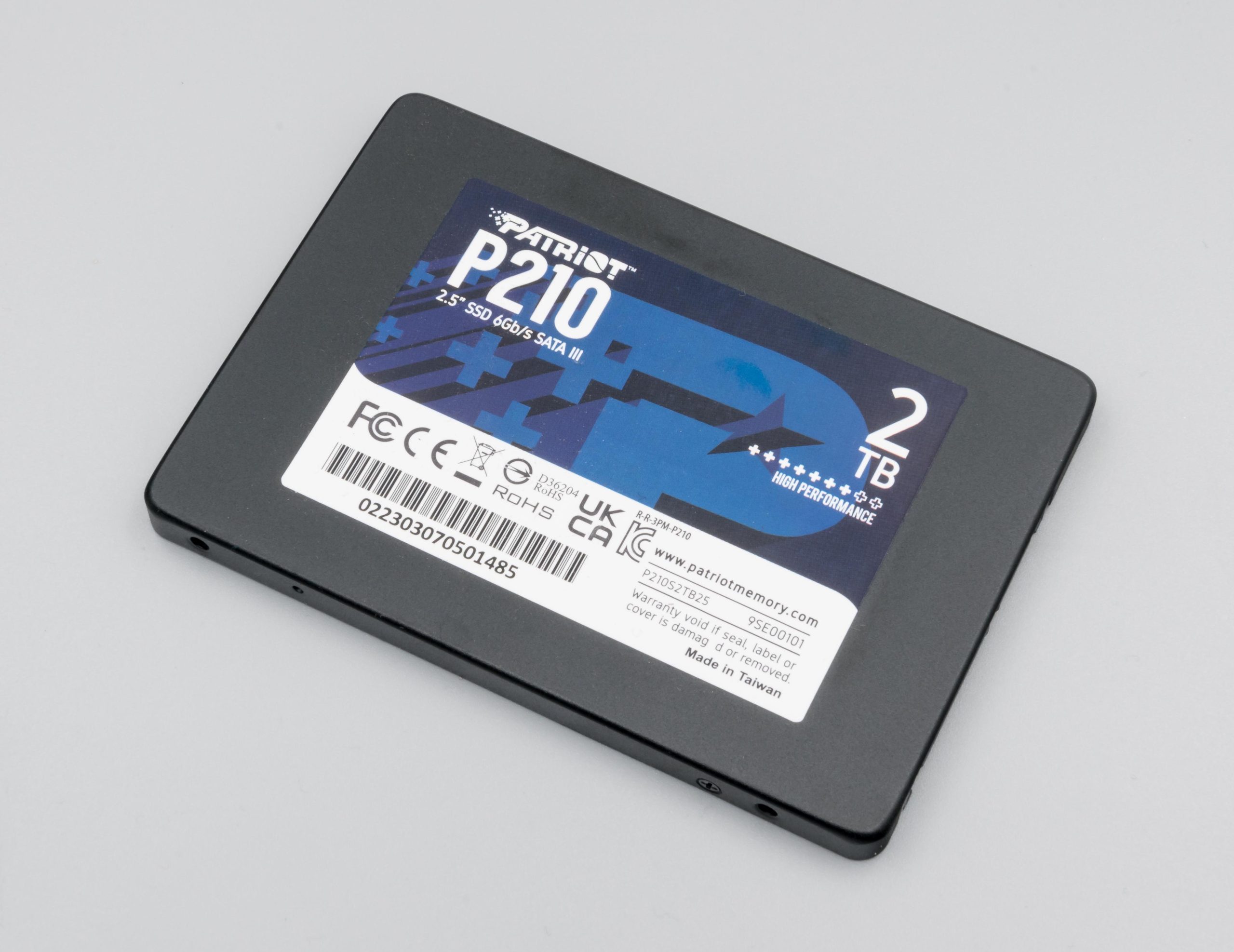
In the ever-evolving landscape of web development, the speed and efficiency of your website are paramount. For WordPress users, one of the most significant factors influencing site performance is the type of storage used by your hosting provider. Enter Solid State Drive (SSD) storage—a technology that has revolutionized data management and drastically improved site responsiveness. In this article, we’ll explore why SSD storage is not just an upgrade, but a fundamental necessity for optimizing your WordPress hosting environment. From faster load times to enhanced reliability and improved SEO rankings, we’ll delve into the myriad of benefits that SSDs bring to the table, ultimately empowering you to create a more efficient, user-friendly experience. Whether you’re running a personal blog or a bustling e-commerce site, understanding the role of SSD storage can help you make informed decisions that propel your WordPress site to success.
Table of Contents
- Understanding the Impact of SSD Storage on Website Performance
- The Benefits of Faster Load Times for User Experience and SEO
- Choosing the Right SSD Hosting Provider for Your WordPress Site
- Tips for Migrating to SSD: Best Practices for a Seamless Transition
- Insights and Conclusions
Understanding the Impact of SSD Storage on Website Performance
When considering the architecture of your website, the difference between Traditional Hard Disk Drives (HDD) and Solid State Drives (SSD) is profound, particularly for WordPress hosting. SSDs rely on flash memory, which allows for lightning-fast data access and retrieval, significantly reducing loading times. With faster read and write speeds, SSDs can handle multiple simultaneous requests, improving your site’s responsiveness and ensuring that your visitors have a smooth experience. In fact, studies show that even a one-second delay can result in increased bounce rates and lower user engagement.
Moreover, the benefits of SSD storage extend beyond speed. Enhanced durability and reliability make SSDs a superior choice, as they are less prone to physical damage compared to their HDD counterparts. This durability can translate to less downtime and fewer maintenance issues. By adopting SSD hosting, you not only optimize your website’s performance but also enhance data security and safeguard against potential data loss. As you weigh your options for WordPress hosting, consider how these factors can impact not just your website speed but overall user experience and business growth.
The Benefits of Faster Load Times for User Experience and SEO
In today’s digital landscape, the speed at which a website loads can significantly shape the user experience. When you invest in SSD storage for your WordPress hosting, you unlock the potential for rapid data retrieval and improved loading times, leading to increased user satisfaction. A website that loads quickly keeps visitors engaged, reducing bounce rates and encouraging them to explore more pages, which ultimately translates to better conversion rates. Key advantages of faster load times include:
- Enhanced User Retention: Users are less likely to abandon a site that loads in seconds.
- Improved Accessibility: Speed optimization ensures that your content is quickly viewable across various devices.
- Higher Engagement Rates: Quick load times promote interactive features, encouraging user participation.
Moreover, search engines like Google prioritize fast-loading websites when ranking search results. This is where the impact of SSD storage becomes even more evident. Faster load times can lead to better SEO performance, as search engines consider page speed a ranking factor. This means not only do you improve your site’s usability, but you also enhance its visibility. Here’s a brief overview of how SSDs influence SEO:
| Aspect | SSD Impact |
|---|---|
| Page Load Speed | Significantly faster with SSDs, leading to lower bounce rates. |
| Search Rankings | Better speeds contribute positively to SEO rankings. |
| User Engagement | Faster loads enhance user interaction and content sharing. |
Choosing the Right SSD Hosting Provider for Your WordPress Site
When selecting an SSD hosting provider for your WordPress site, it’s essential to assess several factors that can significantly impact your site’s performance and reliability. Start by considering the provider’s reputation and customer support. Look for reviews and testimonials from other WordPress users to gauge their satisfaction and the support responsiveness. Ideally, choose a provider that offers 24/7 customer support through various channels, including chat, phone, and email. Additionally, evaluate the uptime guarantees they offer, as consistent performance is key to keeping your site accessible to visitors.
Another critical aspect is the pricing structure and the available plans. Most SSD hosting providers offer various tiers depending on your site’s size and traffic needs. Be sure to compare the features included in each plan, such as storage capacity, data transfer limits, and backups. Consider if the provider offers scalability options to accommodate future growth. Below is a simple comparison table to help illustrate what to look for:
| Feature | Provider A | Provider B | Provider C |
|---|---|---|---|
| Storage Space | 50 GB SSD | 100 GB SSD | 200 GB SSD |
| Monthly Bandwidth | 500 GB | 1 TB | Unlimited |
| Support | 24/7 | 24/7 | Business Hours |
| Backup Included | No | Weekly | Daily |
Tips for Migrating to SSD: Best Practices for a Seamless Transition
Transitioning to an SSD requires careful planning to ensure minimal disruption. Begin by backing up your existing data safely on an external drive or cloud storage. This provides a safety net in case any issues arise during migration. Next, choose the right SSD size that meets your hosting needs; consider your current storage usage and project growth to avoid future complications. Before installation, ensure that your hosting environment is compatible with SSD technology, and consult documentation if needed. Options may include whether to clone your existing hard drive or perform a fresh WordPress installation.
Once your SSD is ready, opt for a quick WordPress backup plugin to facilitate the data transfer process. After successfully moving your WordPress files, test your site thoroughly to confirm that everything has transitioned seamlessly. This includes checking for broken links, missing images, and ensuring all plugins are operational. Lastly, remember to monitor your site’s performance after migration; SSDs can significantly enhance speed, but addressing any potential configuration issues is essential for optimization. Following these practices will not only ease your migration process but also set you up for enhanced website performance.
Insights and Conclusions
opting for SSD storage is not just a technological upgrade; it’s a game-changer for your WordPress hosting experience. The speed, reliability, and improved performance that SSDs offer can significantly enhance not only your website’s loading times but also its overall user experience. As we’ve explored, faster load speeds contribute to better SEO rankings, reduced bounce rates, and ultimately, higher conversions.
Investing in SSD storage is a proactive step toward future-proofing your website in an increasingly competitive online landscape. Whether you’re running a personal blog, an e-commerce store, or a large corporate site, the advantages of SSD storage cannot be overstated. By prioritizing speed and performance, you position your website for growth and success.
Don’t let your hosting solution hold you back. Upgrading to SSD can empower your WordPress site to reach its full potential. As you consider your options for hosting, remember that with the right storage, the possibilities are endless. Thank you for reading, and here’s to a faster, more efficient WordPress experience!