
Unlocking Efficiency: The Vital Role of Control Panels in Hosting
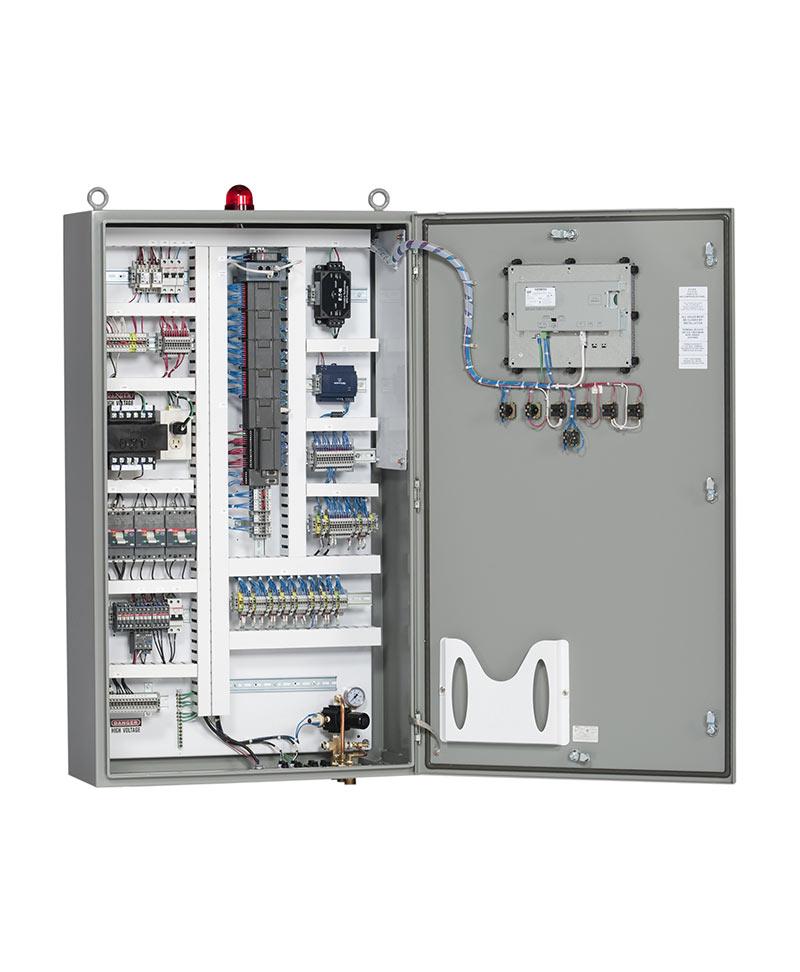
In the ever-evolving landscape of web hosting, efficiency is the cornerstone of success. As businesses increasingly rely on digital platforms to engage with customers, the demand for streamlined management tools becomes more pressing. Enter control panels—these powerful interfaces serve as the backbone of hosting environments, enabling users to manage their websites with ease and precision. Whether you’re a seasoned developer or a small business owner venturing into the world of online presence, understanding the pivotal role of control panels can unlock significant efficiencies in your hosting experience. In this article, we’ll explore how control panels not only simplify complex tasks but also enhance operational productivity, ensuring you can focus on what truly matters: growing your business. Join us as we delve into the essential features, benefits, and best practices that can help you make the most of these integral tools in your hosting journey.
Table of Contents
- Enhancing User Experience Through Intuitive Control Panel Design
- Streamlining Server Management with Advanced Control Panel Features
- Integrating Automation Tools for Maximum Efficiency in Hosting
- Best Practices for Choosing the Right Control Panel for Your Business Needs
- In Summary
Enhancing User Experience Through Intuitive Control Panel Design
An intuitive control panel design is crucial for enhancing user experience, enabling users to navigate with ease and control their hosting environments without frustration. With thoughtful layout considerations and visual hierarchy, users can quickly access essential features, thanks to organized menus and clearly labeled icons. Some of the key elements that contribute to a seamless user experience include:
- Cohesive Aesthetics: A clean, visually appealing interface attracts users and helps them feel comfortable using the platform.
- Responsive Design: Ensuring the control panel works seamlessly on various devices enhances accessibility for all users.
- Contextual Help: Offering tooltips or guides can assist users in understanding complex functionalities without feeling overwhelmed.
Moreover, incorporating user feedback into the design process can lead to continuous improvement, tailoring the control panel to better match user expectations. Regular updates that refine usability can significantly boost user satisfaction and efficiency in managing hosting solutions. It’s beneficial to include:
| Feature | Benefit |
|---|---|
| Drag-and-Drop Interface | Simplifies file management and website setup. |
| One-Click Installers | Speeds up application installation, making it user-friendly. |
| Customizable Dashboards | Allows users to prioritize the tools they use most, enhancing workflow. |
Streamlining Server Management with Advanced Control Panel Features
In today’s fast-paced digital landscape, the way server management is approached can significantly impact a business’s efficiency and performance. Advanced control panel features have emerged as indispensable tools for hosting providers, offering a suite of functionalities that not only simplify the management process but also enhance operational agility. Some of the key features include:
- User-Friendly Dashboard: An intuitive interface that provides quick access to essential functions, reducing the learning curve for new users.
- Automated Backups: Scheduling regular backups ensures data integrity without manual intervention, minimizing the risk of data loss.
- Resource Monitoring: Real-time monitoring of CPU, memory, and bandwidth usage allows for proactive resource management and optimization.
- One-Click Installers: Simplified installation processes for popular applications save time and improve productivity.
Moreover, the integration of advanced security features within control panels can greatly mitigate risks associated with server vulnerabilities. From automatic updates to integrated firewalls, these functionalities fortify the server environment against potential threats. Here’s a brief overview of security enhancements commonly found in modern control panels:
| Security Feature | Description |
|---|---|
| SSL Certificate Management | Easy installation and renewal of SSL certificates to secure data transmission. |
| Two-Factor Authentication | Extra layer of security that requires a second form of verification. |
| Intrusion Detection Systems | Monitoring tools that alert users of any unauthorized access attempts. |
Integrating Automation Tools for Maximum Efficiency in Hosting
In today’s fast-paced digital landscape, leveraging automation tools is essential for enhancing operational efficiency in web hosting. By incorporating these tools into traditional control panel functionalities, hosting providers can streamline various tasks—from server management to resource allocation. Some key automation tools that can be integrated include:
- Auto-Scaling Solutions: Automatically adjust resources based on real-time demand.
- Backup Automation: Schedule regular backups effortlessly to safeguard data.
- Monitoring and Alerts: Get instant notifications for system performance and anomalies.
- Deployment Tools: Simplify the process of launching applications and updates.
Moreover, the integration of these automation tools can help optimize workflows and reduce human error, which is critical for maintaining a seamless hosting experience. With a robust setup, hosting panels can offer features like:
| Tool | Benefit |
|---|---|
| Cloudflare Integration | Enhanced security and performance with CDN capabilities. |
| Customer Management Systems | Automated billing and user management for smoother operations. |
| Remote Management Scripts | Easily manage multiple servers from a single interface. |
By prioritizing these integrations, hosting providers not only unlock maximum efficiency but also enhance the user experience, ultimately leading to increased client satisfaction and retention.
Best Practices for Choosing the Right Control Panel for Your Business Needs
Choosing the appropriate control panel can significantly enhance your business’s operational efficiency and reduce overhead costs. When evaluating options, consider the following crucial factors:
- User Interface: A clean and intuitive interface reduces the learning curve for your team, allowing them to navigate more efficiently.
- Features: Identify must-have features that align with your business needs, such as user management tools, security options, and scalability.
- Support and Documentation: Opt for a control panel with comprehensive support resources and community forums to help troubleshoot issues without added costs.
Additionally, scalability plays a pivotal role, especially if your business anticipates growth. A control panel that can seamlessly adapt to increasing workloads will save you time and money in the long run. It’s also wise to evaluate the compatibility of the control panel with your current infrastructure, ensuring it integrates smoothly with existing software. Consider conducting a pilot run to assess performance and usability before committing fully.
| Feature | Importance | Example |
|---|---|---|
| Ease of Use | High | Drag-and-drop file management |
| Scalability | Medium | Cloud integration options |
| Customization | Medium | Themes and plugins availability |
In Summary
As we’ve explored throughout this article, control panels serve as the backbone of effective hosting management. They streamline processes, enhance user experiences, and ultimately empower businesses and individuals to get the most out of their hosting environments. By unlocking the full potential of these vital tools, you can ensure that your operations run smoothly, securely, and efficiently.
Whether you’re a seasoned web developer, an IT professional, or a business owner looking to optimize your digital presence, understanding the role of control panels is essential. With the right control panel in place, you can simplify complex tasks, monitor performance, and make informed decisions that drive your success.
As you move forward, take the time to assess your hosting needs and consider which control panel aligns best with your objectives. Embrace the efficiency they offer, and watch your hosting experience transform into one of seamless operation and productivity.
Thank you for joining us on this exploration of the crucial role control panels play in hosting. We hope you found valuable insights that can elevate your hosting strategies. For more tips and in-depth discussions on optimizing your digital infrastructure, be sure to stay connected with our blog!