
Step-by-Step Guide to Seamlessly Migrate to WordPress Hosting
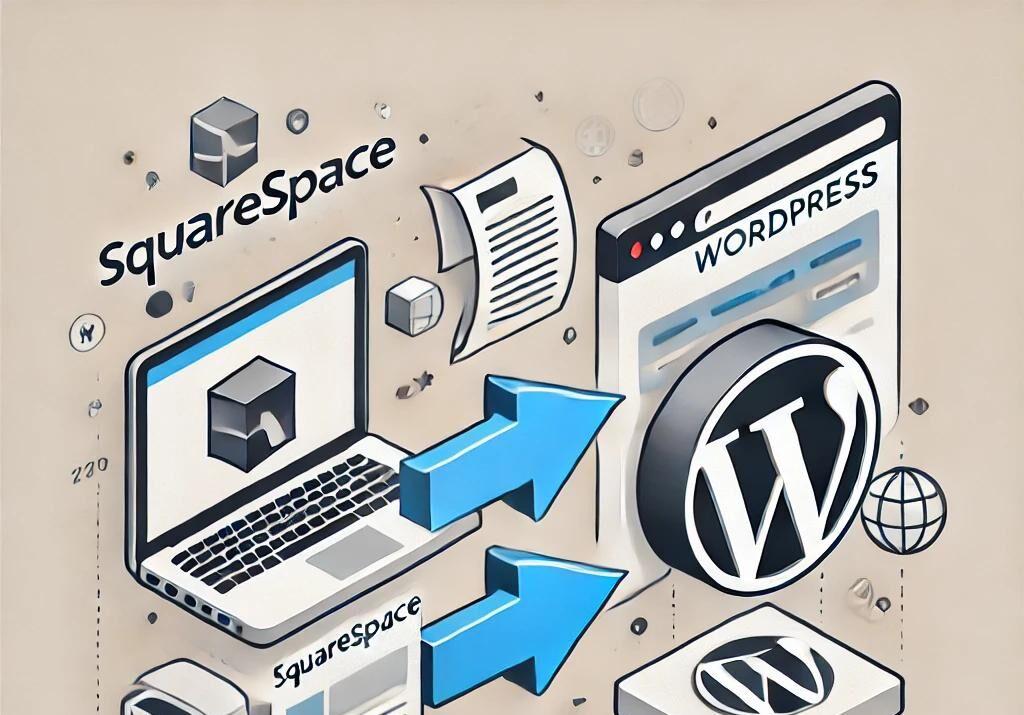
Introduction:
In today’s digital landscape, having a robust and reliable website is crucial for businesses and individuals alike. As your online presence grows, so too may your need for a more agile and powerful hosting solution. If you’re considering a move to WordPress hosting, you’re making a smart choice—WordPress is renowned for its versatility, ease of use, and extensive community support. However, migrating your website to a new hosting platform can seem daunting, filled with potential pitfalls and technical challenges. In this comprehensive step-by-step guide, we’ll walk you through the entire migration process, ensuring that you can transition to WordPress hosting smoothly and efficiently. Whether you’re a seasoned web developer or a first-time site owner, our expert tips will help you minimize downtime and preserve your hard-earned content, so you can focus on what matters most: growing your online presence. Let’s get started!
Table of Contents
- Understanding the Benefits of Migrating to WordPress Hosting
- Essential Preparations Before Starting Your Migration Process
- A Detailed Walkthrough of Your Migration Journey
- Post-Migration Checklist for Optimal WordPress Performance
- Concluding Remarks
Understanding the Benefits of Migrating to WordPress Hosting
Migrating to WordPress hosting offers a myriad of advantages that can transform your website experience. One of the most significant benefits is improved performance. WordPress hosting providers typically optimize their servers specifically for WordPress sites, enhancing loading speeds and ensuring smoother operations. This performance boost can lead to better user engagement, as visitors are less likely to abandon a slow-loading site. Additionally, these providers often come with features such as automatic backups, which safeguard your content against data loss, and enhanced security measures tailored to WordPress installations.
Another key advantage is the level of support available. WordPress hosting companies usually employ experts who specialize in the platform, enabling them to provide immediate assistance with any WordPress-related issues. This ensures that website owners can maintain optimum uptime and resolve problems without unnecessary delays. Furthermore, many offers include easy scalability options, allowing you to upgrade your resources effortlessly as your website grows. The combination of these benefits results in a more efficient, secure, and user-friendly environment for your WordPress site.
Essential Preparations Before Starting Your Migration Process
Before diving into the migration process, ensuring you have all the necessary items in order can make the transition smoother and less stressful. Start by backing up your current website thoroughly. This should include all files, databases, and content, which can be accomplished through plugins or your hosting provider’s tools. Additionally, take the time to list out critical functionalities or customizations that your website relies on. This includes themes, plugins, and any other unique elements that need to be replicated in your new environment. A clear list will help prevent loss of features during the migration.
Next, prioritize choosing the right WordPress hosting provider that aligns with your needs. Consider factors such as performance, security features, and customer support. It’s also wise to review the hosting provider’s migration assistance options. Some providers offer seamless migration services, which can save you time and headaches. To compare your options effectively, you can create a simple table listing the key features of different hosting providers:
| Hosting Provider | Performance | Security Features | Support Options |
|---|---|---|---|
| Provider A | Fast SSD Storage | Free SSL, Daily Backups | 24/7 Live Chat |
| Provider B | Optimized for WordPress | Malware Scanning, DDoS Protection | Email and Phone Support |
| Provider C | Cloud-Based Performance | Site Lock Security | Ticket System, Chat Support |
A Detailed Walkthrough of Your Migration Journey
Embarking on your migration to WordPress hosting involves several crucial steps to ensure a smooth transition. First and foremost, assess your current hosting environment to understand the challenges you may face. Some tasks you may want to consider include:
- Backing up your existing website content and database.
- Reviewing any specific configurations or customizations you’ve implemented.
- Choosing the right WordPress hosting provider that meets your needs.
Once you’ve laid the groundwork, it’s time to focus on the actual migration process. A successful migration entails the following actions:
- Export your content from the existing platform using plugins or built-in export tools.
- Import the content into your new WordPress site with the help of the WordPress Importer tool.
- Verify that all media files, links, and layouts appear correctly post-migration.
It’s also vital to perform post-migration checks to ensure that your site is fully functional. Pay attention to your SEO settings and ensure all redirects are appropriately configured. By following these structured steps, you can facilitate a seamless transition that enhances your website’s performance and user experience.
Post-Migration Checklist for Optimal WordPress Performance
Once you’ve successfully migrated your site to new WordPress hosting, it’s crucial to perform a thorough checklist to ensure everything is running smoothly. Start by verifying your website’s functionality by checking all critical pages and features. Navigate through your site to confirm that images load properly, links are functional, and forms submit as expected. This step can save you from unnoticed issues that could frustrate visitors and impact your site’s performance. Additionally, test your site’s loading speed using tools like Google PageSpeed Insights or GTmetrix to pinpoint any areas that may need optimization.
Next, enter your new hosting environment and confirm that all plugins and themes are functioning correctly. It’s not uncommon for some plugins to encounter compatibility issues post-migration. Make sure you assess the performance of each before you proceed. Monitor the server performance and resource usage through your hosting dashboard to ensure you’re on the right plan. Consider organizing your following tasks by priority:
- Verify DNS Settings: Ensure that your domain name points to the correct IP address.
- Backup Configuration: Set up a regular backup schedule to avoid data loss.
- Install Performance Plugins: Consider caching and optimization plugins like WP Super Cache or WP Rocket.
- Set Up Security Measures: Implement security plugins to protect against vulnerabilities and attacks.
Concluding Remarks
Conclusion
Migrating to WordPress hosting can seem like a daunting task, but with the right approach and a detailed roadmap, it can be a smooth and hassle-free experience. By following the steps outlined in this guide, you not only ensure minimal downtime for your website but also lay the groundwork for better performance and enhanced user experience in the future.
Remember, each migration is unique, so take the time to assess your specific needs and choose a hosting provider that aligns with your goals. Whether you’re a small business owner, a blogger, or managing a large e-commerce site, investing in quality WordPress hosting can make a significant difference.
If you run into challenges during the migration process, don’t hesitate to reach out to your hosting provider’s support team or consult with professional services. The benefits of a successfully migrated site—improved speed, security, and scalability—are well worth the effort.
Thank you for following our guide. We hope that it empowers you to embark on your migration journey with confidence. Happy hosting!