
Step-by-Step Guide to Configure Your Hosting Software
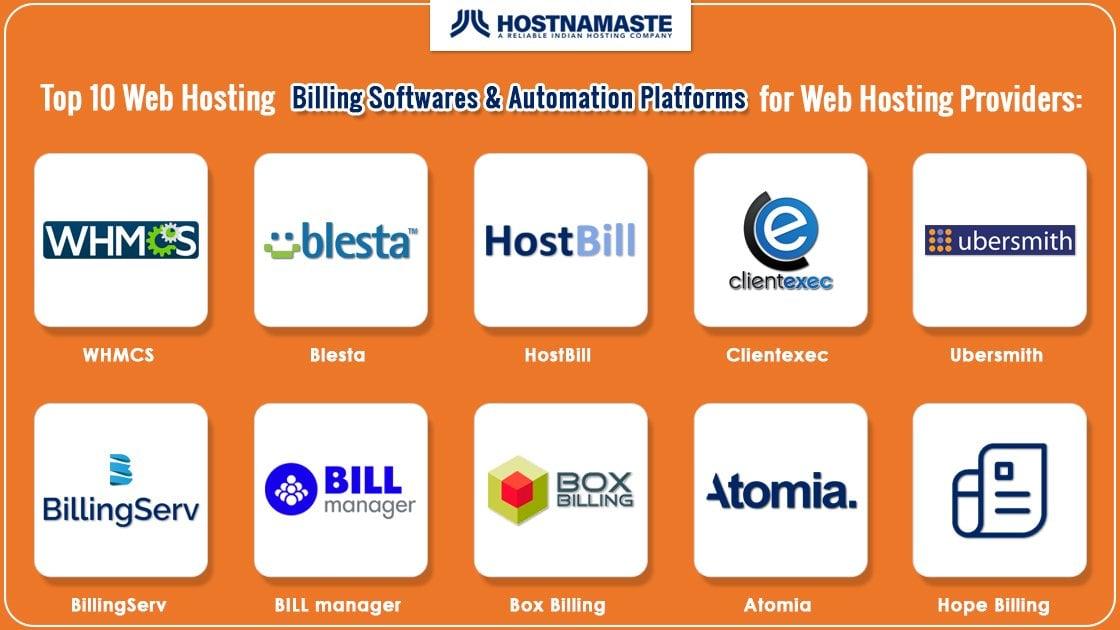
Title:
In today’s digital landscape, a reliable hosting solution is the backbone of any successful online venture. Whether you’re a seasoned developer managing multiple projects or a newcomer eager to establish your presence on the web, mastering your hosting software is crucial. Proper configuration not only enhances your site’s performance but also ensures security, scalability, and overall efficiency.
In this comprehensive step-by-step guide, we will walk you through the essential processes of configuring your hosting software, equipping you with the knowledge and tools necessary to optimize your web environment. From understanding the diverse hosting options available to fine-tuning settings for maximum performance, this article aims to demystify the complexities of hosting software configuration. So, if you’re ready to take charge of your online space and unlock its full potential, let’s dive in!
Table of Contents
- Understanding Your Hosting Software Options
- Selecting the Right Configuration Settings
- Optimizing Performance and Security Features
- Troubleshooting Common Configuration Issues
- The Way Forward
Understanding Your Hosting Software Options
Choosing the right hosting software is crucial for the performance and reliability of your website. With numerous options available, you may find it challenging to make an informed decision. Consider the following factors when evaluating your hosting software options:
- Performance: Assess the speed and uptime reliability.
- Scalability: Ensure the software can grow with your website.
- Security: Look for features like SSL certificates and firewall protections.
- Support: Identify the level and availability of customer service.
- Integration: Check compatibility with other tools you plan to use.
Below is a comparison of popular hosting software types to help you narrow down your choices:
| Hosting Type | Best For | Typical Cost |
|---|---|---|
| Shared Hosting | Beginner websites | Starting from $2.99/month |
| VPS Hosting | Growing businesses | Starting from $20/month |
| Dedicated Hosting | High-traffic sites | Starting from $80/month |
| Cloud Hosting | Scalable applications | Variable, depending on usage |
Selecting the Right Configuration Settings
When configuring your hosting software, it’s essential to choose settings that align with your specific needs. The first step is to evaluate the purpose of your website. Are you planning to run a blog, an e-commerce site, or a portfolio? Each type requires a different approach. Here are several key aspects to consider:
- Performance: Ensure that your settings optimize server response time and overall speed.
- Security: Implement features like SSL certificates, firewall settings, and regular updates to safeguard your data.
- Scalability: Choose configurations that allow for future growth, such as bandwidth limits and storage options.
- Backup Solutions: Set up automated backups to prevent any data loss.
Next, it’s important to understand the various configuration options available within your hosting software. This may include adjusting PHP settings, database configurations, and caching mechanisms. Familiarize yourself with key parameters by referencing documentation and community forums. Some of the common configuration areas include:
| Configuration Area | Purpose |
|---|---|
| PHP Version | Ensure compatibility with your applications. |
| Memory Limit | Allocate sufficient resources for intensive tasks. |
| Upload Max Filesize | Control the size of files that can be uploaded. |
| Execution Time | Define how long scripts are allowed to run. |
Optimizing Performance and Security Features
When configuring your hosting software, enhancing both performance and security should be a paramount consideration. Start by optimizing your server configuration, focusing on settings that bolster speed without compromising stability. Here are some key adjustments to consider:
- Enable Gzip Compression: This reduces the size of files sent over the internet, speeding up the load time for users.
- Implement Caching: Use browser caching and server-side caching to minimize redundant processing and load times.
- Adjust PHP settings: Increasing memory limits and execution times can significantly improve performance for resource-intensive applications.
Security features are equally essential in protecting your website from potential threats. Here’s how you can fortify your hosting environment:
- Use a Firewall: Set up a firewall to filter unwanted traffic and bolster your server’s defenses.
- Regular Backups: Schedule automated backups to ensure that you can recover your site quickly in case of an incident.
- Keep Software Updated: Regularly update your hosting software and plugins to patch vulnerabilities and enhance security.
| Feature | Benefits |
|---|---|
| Gzip Compression | Faster load times, reduced bandwidth usage |
| Firewall | Protection against malicious attacks |
| Regular Updates | Enhanced security, reduced bugs & glitches |
Troubleshooting Common Configuration Issues
Configuration issues can often lead to frustration, but identifying the root cause is the first step towards resolution. Here are some common problems you might encounter:
- Incorrect DNS Settings: Check your domain settings to ensure they point to the right server.
- Server Downtime: Verify that your hosting server is operational by checking your server status through your hosting provider’s dashboard.
- Incompatible Software Versions: Ensure that your software meets the minimum version requirements of the hosting environment.
If you still find yourself facing configuration hurdles, consider the following troubleshooting steps to narrow down the issue:
| Step | Description |
|---|---|
| Review Logs | Access your server logs for error messages that could give clues to configuration mistakes. |
| Test Connectivity | Use tools like ping or traceroute to check if your server is reachable from your location. |
| Reset Configuration | Revert to previous configurations or use default settings to see if that resolves the issue. |
The Way Forward
Conclusion
Congratulations! You’ve taken the first crucial steps toward mastering your hosting software through our comprehensive step-by-step guide. By following these detailed instructions, you not only set the stage for a robust and secure online presence but also empower yourself with the knowledge to troubleshoot and optimize your setup in the future. Remember, configuring hosting software may seem daunting at first, but with patience and practice, you’ll find that it becomes second nature.
As technology evolves, staying abreast of updates and best practices will be essential. Be sure to revisit this guide whenever you need a refresher, and don’t hesitate to dive deeper into each aspect of your hosting environment. We encourage you to explore further resources and community forums to enhance your learning.
Thank you for joining us on this journey. We wish you success in your web hosting endeavors, and may your digital experiences be smooth and fruitful! If you have any questions or need further assistance, feel free to leave a comment or reach out. Happy hosting!