
Essential Guide to WordPress Hosting for Small Businesses
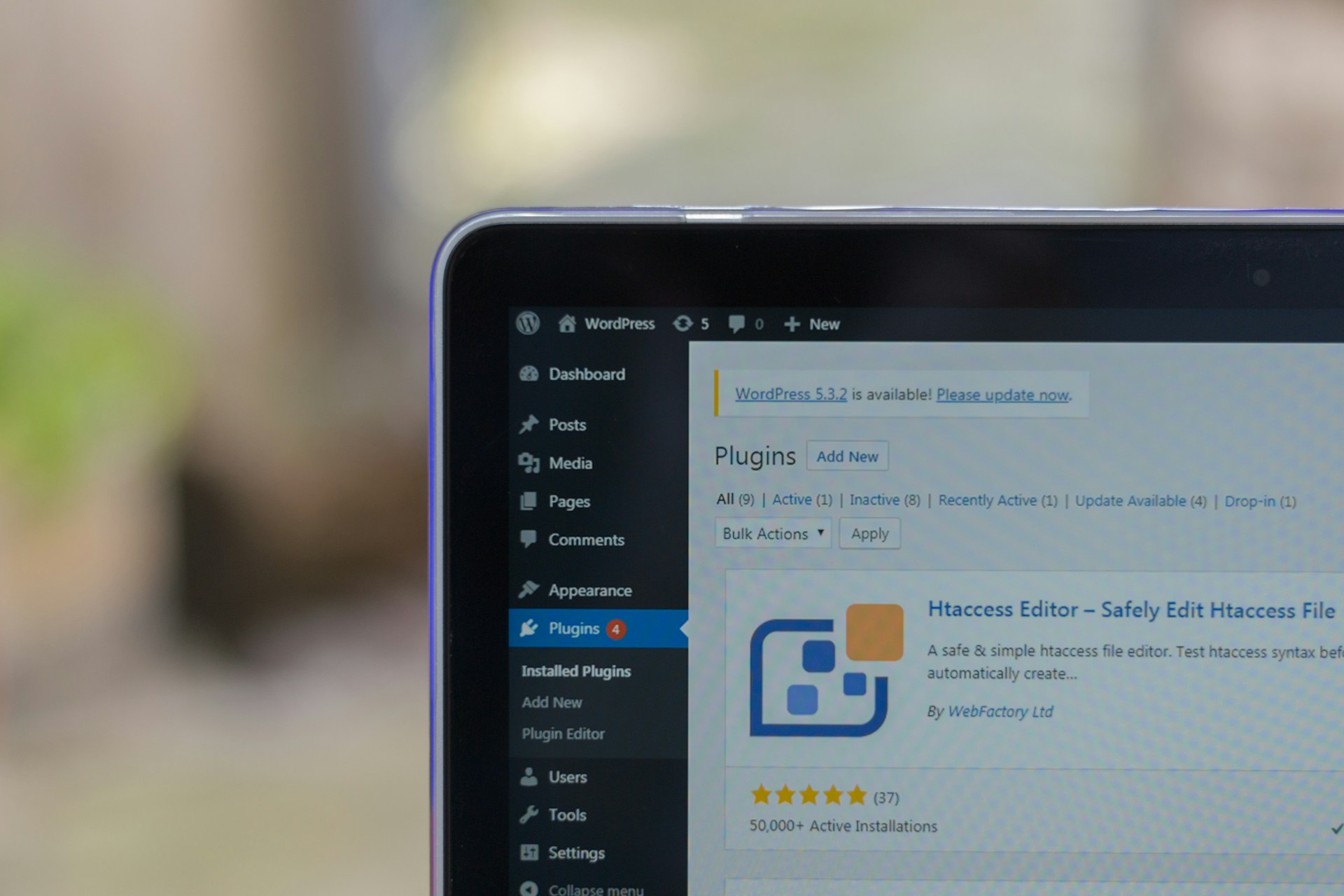
In today’s digital landscape, establishing a robust online presence is vital for small businesses aiming to thrive and compete. A well-designed website can serve as a powerful marketing tool, engaging customers and driving conversions. However, at the heart of every successful website lies a crucial decision: choosing the right hosting provider. For small businesses, WordPress has emerged as a leading platform due to its user-friendliness, versatility, and extensive support community. But with a myriad of hosting options available, how can you ensure that you select the best one for your unique needs?
In this essential guide, we will explore the key factors to consider when choosing WordPress hosting for your small business. From understanding different types of hosting solutions to evaluating performance, security, and customer support, we aim to equip you with the knowledge you need to make an informed decision. Whether you’re launching your first website or looking to optimize an existing one, this guide will help you navigate the complexities of WordPress hosting and empower your business to reach its full potential online. Let’s dive in!
Table of Contents
- Understanding Different Types of WordPress Hosting Solutions
- Key Features to Look for in a WordPress Hosting Provider
- Optimizing Performance and Security for Your WordPress Site
- Top Recommended Hosting Providers for Small Businesses
- Wrapping Up
Understanding Different Types of WordPress Hosting Solutions
When it comes to selecting the right hosting for your WordPress site, understanding the different options available is essential. Shared hosting is typically the most cost-effective solution, making it an attractive choice for small businesses just getting started. With this type of hosting, multiple websites share the same server resources, which can lead to potential slowdowns during peak traffic times. However, for businesses with lower traffic volumes, shared hosting can suffice, offering ease of use and straightforward setup. Another option is VPS (Virtual Private Server) hosting, which provides a dedicated portion of a server’s resources, allowing for better performance and more control over the server environment. This is ideal for growing businesses that require more stability and the ability to handle increased traffic without compromising speed.
For those looking for a more robust solution, Managed WordPress hosting offers tailored services specifically designed for WordPress sites. This includes automatic updates, enhanced security, and optimized performance, largely removing the technical burdens from the business owner. Additionally, there is Cloud hosting, which utilizes a network of servers to distribute resources, ensuring that your website can handle sudden spikes in traffic without any downtime. Here’s a quick comparison of these options:
| Type of Hosting | Best For | Pros | Cons |
|---|---|---|---|
| Shared Hosting | Startups | Cost-effective, easy to set up | Performance issues during high traffic |
| VPS Hosting | Growing businesses | More resources and control | Higher cost than shared hosting |
| Managed WP Hosting | WordPress-focused sites | Optimized performance, support | Can be more expensive |
| Cloud Hosting | High-traffic sites | Scalable, reliable | Complex setup for beginners |
Key Features to Look for in a WordPress Hosting Provider
Choosing the right hosting provider is pivotal for the success of your WordPress site. Here are some key features that can greatly enhance your experience and efficiency:
- Performance and Speed: Ensure that the provider offers optimized server configurations to guarantee fast loading times, which is essential for reducing bounce rates.
- Scalability: Look for hosting plans that allow you to upgrade easily as your business grows, ensuring that your website can handle increased traffic without a hitch.
- Security Measures: Opt for a provider that includes features like SSL certificates, firewalls, and regular backups to protect your site from vulnerabilities.
- Customer Support: Choose a host that provides 24/7 support through various channels like chat, phone, and email, so you can receive assistance whenever needed.
It’s also crucial to consider the user-friendliness of the hosting dashboard and other management tools. A clear and intuitive interface can significantly streamline tasks like updating themes and managing plugins. Additionally, look at the following criteria:
| Feature | Importance |
|---|---|
| Free Domain Name | Helps save costs at setup |
| One-Click Install | Facilitates quick WordPress installation |
| Content Delivery Network (CDN) | Improves global site speed and performance |
| Website Migration | Simplifies moving your site from another host |
Optimizing Performance and Security for Your WordPress Site
Maintaining high performance and robust security on your WordPress site is essential for a seamless user experience and the protection of your business data. To enhance performance, consider the following measures:
- Choose a Fast Hosting Provider: Opt for hosting services that are optimized for WordPress, such as shared, VPS, or managed hosting tailored to your traffic needs.
- Utilize Caching Plugins: Implement caching solutions like WP Super Cache or W3 Total Cache to minimize load times by serving static content.
- Optimize Images: Use image optimization plugins and CDN services to ensure that images are appropriately sized and loaded efficiently.
- Regularly Update Themes and Plugins: Keep your WordPress files up to date to improve security and performance.
On the security front, ensuring that your site is safeguarded against potential threats is equally critical. Here are tactics to fortify your site’s defenses:
- Implement SSL Certificates: Secure your site with HTTPS to protect user data and improve SEO rankings.
- Use Security Plugins: Employ tools like Wordfence or Sucuri to monitor, detect, and respond to security breaches.
- Regular Backups: Schedule automated backups using services like UpdraftPlus, ensuring you can quickly recover from any data loss.
- Restrict Login Attempts: Limit access attempts to minimize the risk of dictionary attacks on your login page.
Top Recommended Hosting Providers for Small Businesses
Choosing the right hosting provider is crucial for small businesses looking to establish a strong online presence. Several options stand out for their reliability, ease of use, and excellent customer support. Here are some top recommendations:
- SiteGround: Known for exceptional customer service and performance, SiteGround offers specialized WordPress plans that cater to small business needs.
- Bluehost: As an official WordPress recommendation, Bluehost is perfect for beginners, providing user-friendly interfaces and helpful resources.
- WP Engine: For businesses looking for managed hosting, WP Engine provides robust security, stellar performance, and excellent scalability.
- A2 Hosting: Known for speed, A2 Hosting offers optimized WordPress installations with a focus on performance and reliability.
In addition to the features and support provided by these hosting providers, businesses should consider other aspects such as pricing and scalability. Below is a simple comparison table to help you evaluate some vital statistics:
| Provider | Starting Price | Performance | Support |
|---|---|---|---|
| SiteGround | $3.99/mo | High | 24/7 Support |
| Bluehost | $2.95/mo | Good | 24/7 Support |
| WP Engine | $20/mo | Very High | Expert Support |
| A2 Hosting | $2.99/mo | High | 24/7 Support |
Wrapping Up
Conclusion
choosing the right WordPress hosting provider is a critical decision for small businesses looking to establish a robust online presence. With so many options available, understanding the key features—such as performance, security, customer support, and scalability—can help you make an informed choice that aligns with your unique business needs.
Remember, investing in quality hosting not only enhances website performance but also boosts your overall brand credibility. Whether you’re just starting or planning to expand, the right hosting solution will provide the foundation you need for future growth.
As you embark on your journey through the world of WordPress hosting, take your time to assess your requirements, compare different providers, and read user reviews. This essential groundwork will set you up for success and pave the way for a seamless online experience.
Thank you for reading our essential guide. We hope you found it valuable and feel more equipped to choose the optimal WordPress hosting for your small business. Happy hosting!