
Mastering Website Backups: A Guide to Hosting Software
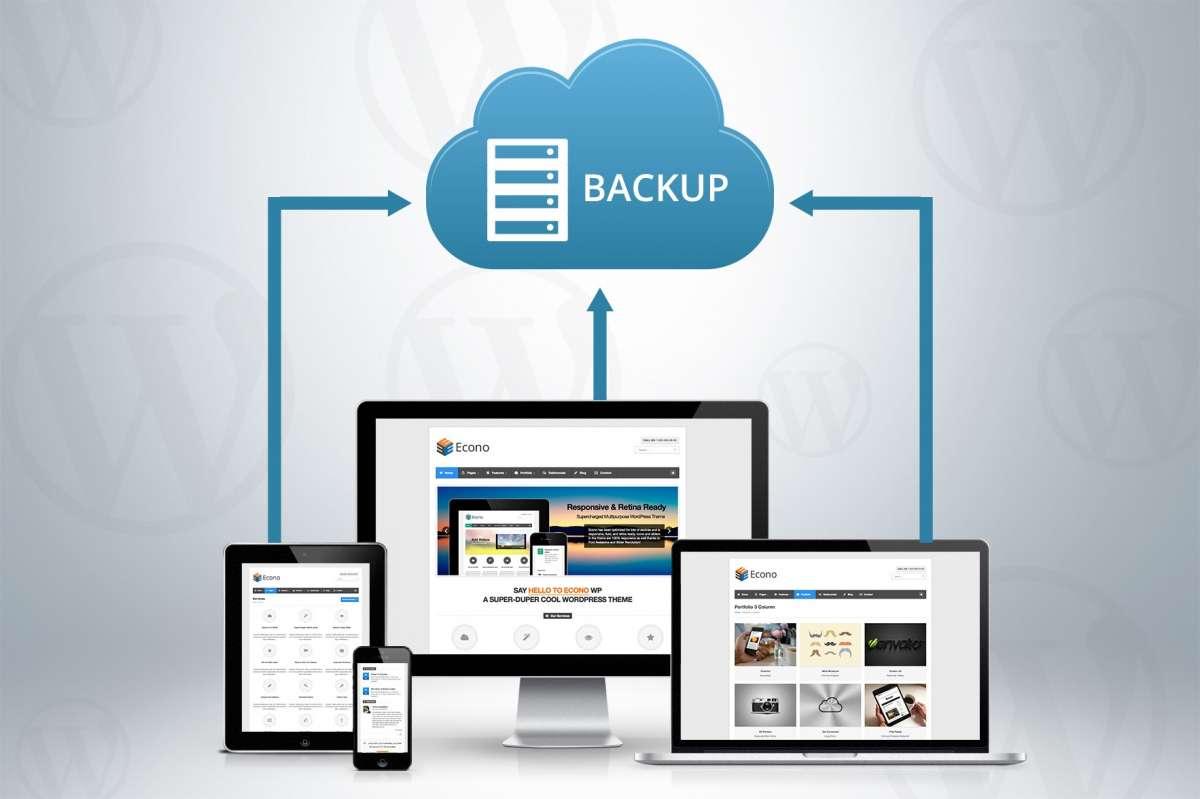
In the digital age, ensuring the security and integrity of your website has never been more critical. With cyber threats looming, unexpected crashes, and the ever-present risk of human error, having a robust backup strategy is essential for safeguarding your online presence. Whether you’re managing a personal blog, an e-commerce site, or a comprehensive company platform, understanding the ins and outs of website backups is a must. In this guide, we’ll delve into the realm of hosting software, exploring the best solutions available to make backup management streamlined and effective. From understanding various backup types to selecting the right hosting software that fits your needs, we’ll equip you with the knowledge to master website backups—so you can focus on what really matters: growing your business and delivering valuable content to your audience. Let’s get started on securing your digital future!
Table of Contents
- Understanding the Importance of Regular Website Backups
- Choosing the Right Hosting Software for Seamless Backups
- Implementing a Backup Strategy: Best Practices for Data Security
- Restoration Made Easy: Ensuring Quick Recovery from Backups
- To Wrap It Up
Understanding the Importance of Regular Website Backups
Regular website backups are critical for the integrity and security of any online presence. Data loss can happen due to a variety of reasons including accidental deletion, server failures, or even cyber-attacks. When you have a systematic backup routine, you safeguard your content, design, and user data from unforeseen incidents. This proactive approach not only saves you time and money, but it also offers peace of mind, knowing that your website can be restored quickly with minimal disruption to your operations.
To ensure effective backups, it is essential to implement a multi-layered strategy. Here are some key practices to consider:
- Frequency: Determine how often you should back up your site, taking into consideration the volume of content changes.
- Storage Solutions: Utilize a combination of local and cloud storage options to diversify your backup locations.
- Automated Systems: Leverage backup tools and plugins that automate the process, reducing human error.
Incorporating these principles into your maintenance routines will ensure that your website remains secure and recoverable, providing a solid foundation for your business to thrive.
Choosing the Right Hosting Software for Seamless Backups
Choosing the ideal hosting software is crucial for ensuring that your website’s backup process runs smoothly and efficiently. When evaluating options, consider functionality and reliability. A robust backup solution should provide automated, scheduled backups that run without manual intervention. Look for features such as one-click restoration, incremental backups, and support for various backup destinations, including cloud storage services like Amazon S3 or Google Drive.
Additionally, pay attention to the user interface and customer support options. A well-designed dashboard can simplify the backup process, allowing you to monitor backup status and restore your website with ease. Ideally, you want hosting software that provides comprehensive documentation, tutorials, and responsive customer support to assist you when issues arise. To summarize the key considerations:
| Feature | Importance |
|---|---|
| Automated Backups | High |
| Incremental Backups | Medium |
| User-Friendly Dashboard | High |
| Customer Support | Critical |
| Multiple Backup Destinations | Medium |
Implementing a Backup Strategy: Best Practices for Data Security
Implementing a robust backup strategy is essential for safeguarding your website’s data. Start by defining backup frequency based on your site’s update volume—daily, weekly, or monthly—ensuring that you capture any essential changes. Additionally, choose between full backups and incremental backups: full backups provide a complete snapshot, while incremental backups save only the changes since the last backup, offering efficiency in storage. Consider employing a mix of local and cloud-based solutions to diversify your data storage. This redundancy greatly enhances recovery capabilities should an unexpected event occur.
Furthermore, it’s crucial to regularly test your backups to confirm their integrity. You can establish a backup verification process by scheduling routine restores in a test environment, ensuring that data can be accessed and functions properly. Maintain clear documentation of your backup processes and recovery procedures to enhance efficiency in crisis situations. Remember to safeguard your backups with strong security measures, such as encryption, to prevent unauthorized access, and keep your backup systems updated with the latest security patches.
Restoration Made Easy: Ensuring Quick Recovery from Backups
When it comes to recovering your website after an unexpected issue, having a solid backup and restoration plan in place can be a lifesaver. With today’s advanced hosting solutions, restoring from backups has become a streamlined process. To ensure quick recovery, it’s essential to choose hosting software that not only offers regular backups but also provides easy restoration tools. Consider the following features:
- One-click Restore: Look for options that allow you to restore your entire site with just a single click, eliminating lengthy processes.
- Version Control: Opt for software that enables you to pick from various backup versions, letting you revert to a specific point in time.
- Automatic Backups: Select platforms that automatically back up your site at set intervals, ensuring you always have the latest data protected.
Additionally, it’s important to familiarize yourself with the interface of your chosen hosting software. A user-friendly dashboard can significantly reduce the time and effort required to restore your site. Here’s a brief comparison of popular hosting solutions and their restoration features:
| Hosting Solution | One-click Restore | Auto Backup Frequency |
|---|---|---|
| SiteGround | Yes | Daily |
| Bluehost | No, Manual | Weekly |
| A2 Hosting | Yes | Daily |
Evaluating these options will help you make an informed decision, ensuring that your restoration process is as efficient as possible. Embracing these advancements in hosting software can save you time, reduce stress, and keep your online presence resilient.
To Wrap It Up
mastering website backups is an essential skill for any website owner or administrator, particularly in today’s fast-paced digital landscape where data loss can happen at any moment. With the right hosting software and a solid backup strategy in place, you can safeguard your valuable content, maintain business continuity, and ensure peace of mind.
By following the practices outlined in this guide, you’ll be well on your way to creating a reliable backup regimen that minimizes downtime and protects your investment in your online presence. Remember, the best backup is one that you don’t have to think about—automated, regular, and easily accessible.
As technology continues to evolve, so too will the tools at your disposal to keep your website secure. Stay informed, remain proactive, and don’t hesitate to revisit and revisit your backup strategies. Your future self will thank you!
For more insights on optimizing your website’s performance and security, be sure to subscribe to our blog for upcoming articles and tips. Happy backing up!