
Mastering Website Backups: A Guide to Hosting Software Use
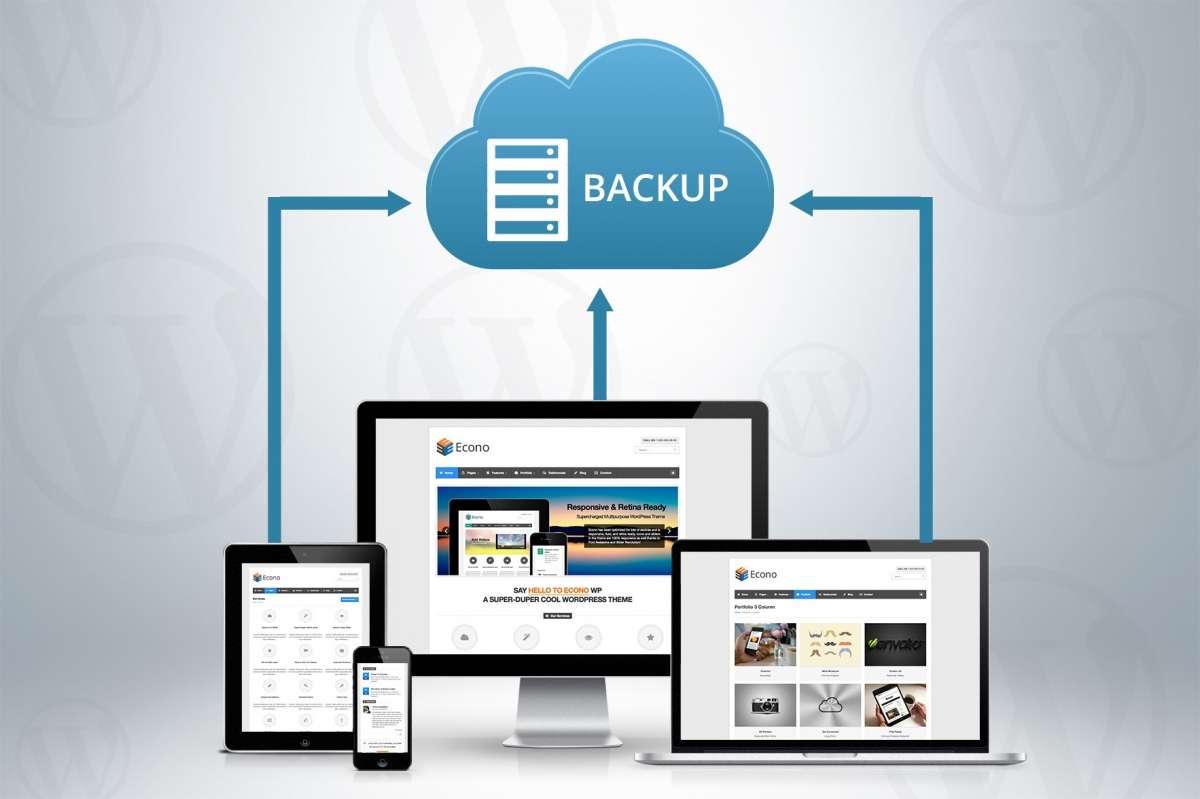
In today’s digital landscape, where an estimated 75% of users admit to judging a company’s credibility based on its website design, maintaining a polished and secure online presence is paramount. Central to this endeavor is the often overlooked yet critically important practice of backing up your website. Whether you run a personal blog, an e-commerce platform, or a corporate portal, the threat of data loss looms large—be it from cyberattacks, accidental deletions, or hosting failures.
In this comprehensive guide, we will delve into the essential strategies for mastering website backups through effective use of hosting software. We’ll explore the various tools and solutions available, helping you to not only protect your valuable content but also to streamline the backup process. By the end of this article, you’ll be equipped with the knowledge and confidence to safeguard your website against unforeseen disruptions, ensuring your online presence remains resilient and reliable.
Table of Contents
- Understanding the Importance of Website Backups in Todays Digital Landscape
- Choosing the Right Hosting Software for Seamless Backup Management
- Best Practices for Automating Website Backups and Ensuring Data Integrity
- Troubleshooting Common Backup Issues and Restoring Your Website Effectively
- Final Thoughts
Understanding the Importance of Website Backups in Todays Digital Landscape
In today’s digital landscape, the security and reliability of a website hinge significantly on the implementation of regular backups. Website backups serve as a safety net, protecting critical data from unforeseen incidents such as server crashes, hacking attempts, or user errors. Without a robust backup strategy, the consequences of data loss can be devastating, potentially leading to significant downtime and revenue loss. Key reasons to prioritize website backups include:
- Data Security: Safeguarding sensitive information against breaches and theft.
- Business Continuity: Ensuring that your website can be restored swiftly, minimizing disruption to your operations.
- Ease of Recovery: Facilitating a smooth restoration process after a technical glitch or a cyber-attack.
Moreover, the frequency of backups can directly influence your website’s resilience. Establishing a routine that aligns with your site’s update cadence can be incredibly beneficial. Consider using automated backup solutions that can handle the process seamlessly, allowing you to focus on your core business activities. To illustrate this further, here’s a simple table comparing common backup methods:
| Backup Method | Pros | Cons |
|---|---|---|
| Manual Backup | Full control over the process | Time-consuming, prone to errors |
| Automated Backup | Convenience and efficiency | Less control over backup timing |
| Cloud Backup | Accessibility from anywhere | Ongoing costs, potential security risks |
Choosing the Right Hosting Software for Seamless Backup Management
When selecting hosting software for effective backup management, it’s crucial to prioritize a solution that aligns with your specific needs. Consider the following factors:
- Scalability: Ensure the hosting software can grow with your site as traffic and data storage needs increase.
- Automation: Look for software that offers automated backup options, reducing the risk of human error.
- User Interface: A user-friendly interface simplifies the backup process, making it accessible even to users with limited technical expertise.
- Restore Options: Comprehensive restore options should be available, allowing you to restore files, databases, or entire websites easily.
Additionally, you may want to compare different hosting platforms based on their backup features. Below is a simple comparison table outlining key backup functionalities of popular hosting software:
| Hosting Software | Automated Backups | Restore Options | Storage Duration |
|---|---|---|---|
| SiteGround | Yes | 1-click Restore | 7 days |
| Bluehost | Yes | Full Site Restore | 30 days |
| WP Engine | Daily | Staging Environment | 60 days |
By carefully assessing these attributes, you can choose hosting software that not only meets your performance expectations but also guarantees the security of your website data with seamless backup management capabilities.
Best Practices for Automating Website Backups and Ensuring Data Integrity
Implementing efficient automation for website backups is crucial for maintaining the integrity of your data and ensuring peace of mind. Utilizing reliable hosting software can streamline the process significantly. Here are some best practices to consider:
- Schedule Regular Backups: Choose a frequency that aligns with your content updates, allowing daily or weekly backups to minimize data loss.
- Utilize Incremental Backups: Instead of full backups every time, incremental backups only save changes made since the last backup, saving both time and storage space.
- Store Backups Off-Site: Ensure that backups are stored in a different location or cloud service, protecting your data from localized threats like server failures or hacks.
- Test Restore Procedures: Regularly test your backup restoration process to confirm that your data can be recovered swiftly and effectively in case of an emergency.
The integrity of your backup files is as important as the backups themselves. Adopting measures to verify backup data can save you from potential pitfalls in the future. Key steps include:
- Checksum Verification: Use checksums to validate the integrity of the files after backup, ensuring nothing has been corrupted during the process.
- Version Control: Keep historical versions of backups, giving you flexibility to recover from various points in time if needed.
- Monitoring Notifications: Set up alerts for backup failures or anomalies, so you can address issues proactively.
| Backup Type | Benefits |
|---|---|
| Full Backup | Comprehensive recovery option |
| Incremental Backup | Faster and less storage required |
| Differential Backup | Balance between speed and comprehensiveness |
Troubleshooting Common Backup Issues and Restoring Your Website Effectively
When dealing with backup issues, a systematic approach can save you time and headaches. Start by verifying that your backup plugin or software is functioning correctly. Common signs of problems include missing files during the restoration process, incomplete backups, or errors indicating insufficient storage space. To troubleshoot these, consider the following steps:
- Check plugin settings: Ensure that your backup tool is configured properly to capture all necessary files and databases.
- Review error logs: Analyze logs from your hosting provider or backup solution to identify specific errors.
- Test backups regularly: Occasionally restore your backup to a staging site to confirm its integrity and completeness.
If you encounter issues while restoring your website, a step-by-step method can mitigate further complications. Always start by preparing your environment; deactivate all plugins to avoid conflicts during the restoration process. Afterward, initiate your restoration using your chosen method—whether through your hosting control panel or directly via FTP. Key considerations during restoration include:
| Consideration | Description |
|---|---|
| File Structure | Ensure that files are placed in the correct directories, especially for custom setups. |
| Database Connection | Double-check your wp-config.php file for accurate database credentials. |
| Permissions | Set file and directory permissions correctly to allow access for WordPress to function properly. |
Final Thoughts
mastering website backups is not merely a precaution but a fundamental practice that ensures the longevity and integrity of your online presence. By leveraging effective hosting software, you can streamline your backup processes, safeguard vital data, and gain peace of mind knowing that your website can be restored swiftly in the event of an unexpected mishap.
Remember that the digital landscape is ever-evolving, and so too are the potential risks that accompany it. By investing the time to understand the tools available and implementing a robust backup strategy tailored to your needs, you empower yourself to face future challenges with confidence.
Now is the time to take action—review your current backup practices, explore the software options discussed, and fortify your website against unforeseen adversity. Stay proactive, and your website will not only survive but thrive in the ever-fluctuating online environment. Happy backing up!