
Mastering VPN Performance: A Guide to Speed Testing Your Connection
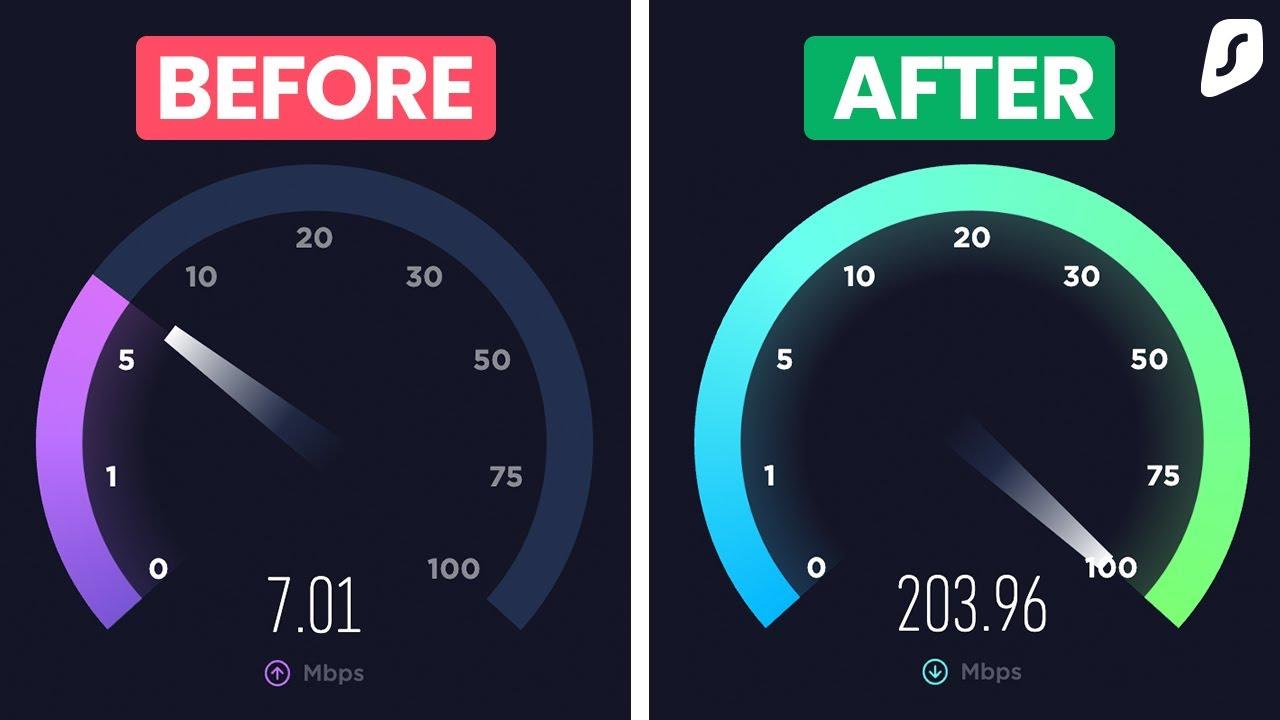
In an era where online privacy and security are paramount, Virtual Private Networks (VPNs) have emerged as essential tools for internet users seeking to protect their sensitive information. However, one common concern among VPN users is performance—specifically, how can one ensure that their connection is not only secure but also speedy? A sluggish VPN can turn a straightforward browsing task into a frustrating experience, making it vital to understand how to effectively test and optimize your VPN’s performance. In this article, we’ll delve into the intricacies of speed testing your VPN connection. From the factors that influence speed to the best tools and methodologies for accurate testing, we aim to equip you with the knowledge needed to master your VPN performance. Whether you’re a seasoned user or a newbie trying to navigate the world of secure browsing, understanding how to evaluate and enhance your VPN speed is crucial for achieving a seamless online experience. Let’s get started on this journey to optimize your VPN setup!
Table of Contents
- Understanding VPN Performance Metrics for Optimal Usage
- Key Factors Influencing VPN Speed and Reliability
- Step-by-Step Guide to Conducting Effective Speed Tests
- Tips for Enhancing Your VPN Connection for Maximum Efficiency
- Final Thoughts
Understanding VPN Performance Metrics for Optimal Usage
When assessing VPN performance, it is crucial to focus on several key metrics that reveal the true capabilities of your VPN connection. Understanding these metrics helps in optimizing your usage for everything from streaming to secure browsing. The most significant metrics to monitor include:
- Download Speed: This measures how quickly data is transferred from the internet to your device. Higher speeds ensure smoother streaming and quicker downloads.
- Upload Speed: Critical for activities requiring data to be sent to the internet, like video conferencing or large file uploads.
- Latency: Often referred to as ping, latency measures the delay before a transfer of data begins, with lower values enhancing real-time applications.
- Packet Loss: This statistic indicates the percentage of data packets that fail to reach their destination, impacting the integrity of your connection.
Regular testing of these metrics can provide invaluable insights into your VPN’s performance under various conditions. It’s recommended to perform tests across different servers and times of day to capture a holistic view of your VPN experience. A simple table below can help summarize your findings for easy reference:
| Server Location | Download Speed (Mbps) | Upload Speed (Mbps) | Latency (ms) | Packet Loss (%) |
|---|---|---|---|---|
| New York | 85 | 30 | 15 | 0.2 |
| London | 70 | 25 | 20 | 0.5 |
| Tokyo | 60 | 20 | 45 | 1.0 |
Key Factors Influencing VPN Speed and Reliability
Several elements play a pivotal role in determining the speed and reliability of your VPN connection. Among the most influential factors are:
- Server Location: The physical distance between you and the VPN server can significantly impact speed. Closer servers typically offer lower latency.
- Protocol Used: Different VPN protocols (like OpenVPN, IKEv2, or L2TP) offer varying speeds and security levels. Choosing the right one for your needs is essential.
- Bandwidth Limitations: Some VPN services impose data caps or throttle speeds, affecting performance, especially during peak usage times.
- Network Congestion: High traffic on either your local internet service or the VPN server can lead to slower speeds.
Additionally, user-specific factors also contribute to VPN performance. Consider these elements:
- Device Performance: Outdated devices or software can impede VPN connection speeds, making it crucial to keep your technology up to date.
- ISP Throttling: Some Internet Service Providers throttle traffic when they detect VPN usage, ultimately affecting your connection speed.
- Security Features: Features like firewall protections or additional encryption layers add overhead, potentially slowing connections.
- Concurrent Connections: Connecting multiple devices simultaneously can strain bandwidth and lead to decreased performance.
| Factor | Impact on Speed |
|---|---|
| Server Location | Lower latency if nearby |
| Protocol Used | Affects speed/security balance |
| ISP Throttling | Can significantly reduce speed |
| Device Performance | Outdated hardware slows connections |
Step-by-Step Guide to Conducting Effective Speed Tests
To conduct effective speed tests and truly understand your VPN’s performance, start by ensuring you have a reliable testing tool. Many free and paid options exist, but it’s essential to choose one that is well-regarded for accuracy. Popular choices include Ookla Speedtest, Fast.com, and Pingdom. Before proceeding, it’s recommended to close any unnecessary applications and browser tabs to ensure that no other processes are consuming bandwidth during the test. Additionally, consider conducting tests at different times of the day to gauge fluctuations in speed due to network congestion.
Once you’ve selected your tool and prepared your device, it’s time to execute the test. Follow these steps for best results:
- Connect to your VPN: Launch your VPN application and connect to a server of your choice.
- Run the Speed Test: Open your speed testing tool and initiate the test. Make note of the results, focusing on both download and upload speeds.
- Repeat the Process: To ensure accuracy, repeat the test several times and with different servers within the VPN to get a well-rounded view of its performance.
After gathering your data, compile your results in a table for easier analysis:
| Testing Time | Server Location | Download Speed (Mbps) | Upload Speed (Mbps) |
|---|---|---|---|
| Morning | New York | 75 | 20 |
| Afternoon | London | 60 | 15 |
| Evening | Tokyo | 50 | 10 |
With this data at hand, you will be able to identify any patterns or issues with your VPN’s connections, helping you to make informed decisions about which server to use for optimal performance.
Tips for Enhancing Your VPN Connection for Maximum Efficiency
To improve your VPN connection speed, start with the server selection. Choose a server that is geographically closer to your location, as this often results in reduced latency and faster data transfer rates. Most VPNs provide a list of servers, so take advantage of this feature. Additionally, ensure that you are connected to a server that is not overloaded; sometimes, connecting to a less popular server can significantly improve your connection stability and speed.
Next, consider tweaking your VPN protocol settings. Different protocols offer various balances between speed and security. For instance, using protocols like WireGuard or OpenVPN with UDP is typically faster than those with TCP. You might also experiment with enabling or disabling features like split tunneling, which allows you to route specific traffic through the VPN while keeping other traffic direct; this can help preserve bandwidth for activities that don’t require encryption.
Final Thoughts
mastering VPN performance is not just about choosing the right provider; it’s about understanding how to optimize your connection to ensure you get the speed and security you deserve. By conducting regular speed tests, experimenting with different protocols, and being mindful of server locations, you can significantly improve your VPN experience. Remember, the effectiveness of a VPN goes beyond its encryption capabilities; it also hinges on how well it performs in real-world conditions.
As you refine your approach to VPN usage, keep these best practices in mind to ensure you’re getting the most out of your connection. Whether you’re streaming your favorite content, working remotely, or protecting your privacy online, a fast and reliable VPN is key. Don’t hesitate to revisit and reassess your setup regularly—after all, the digital landscape is ever-evolving, and staying informed is essential. Happy surfing!