
Essential Tips for Monitoring Website Performance on Shared Hosting
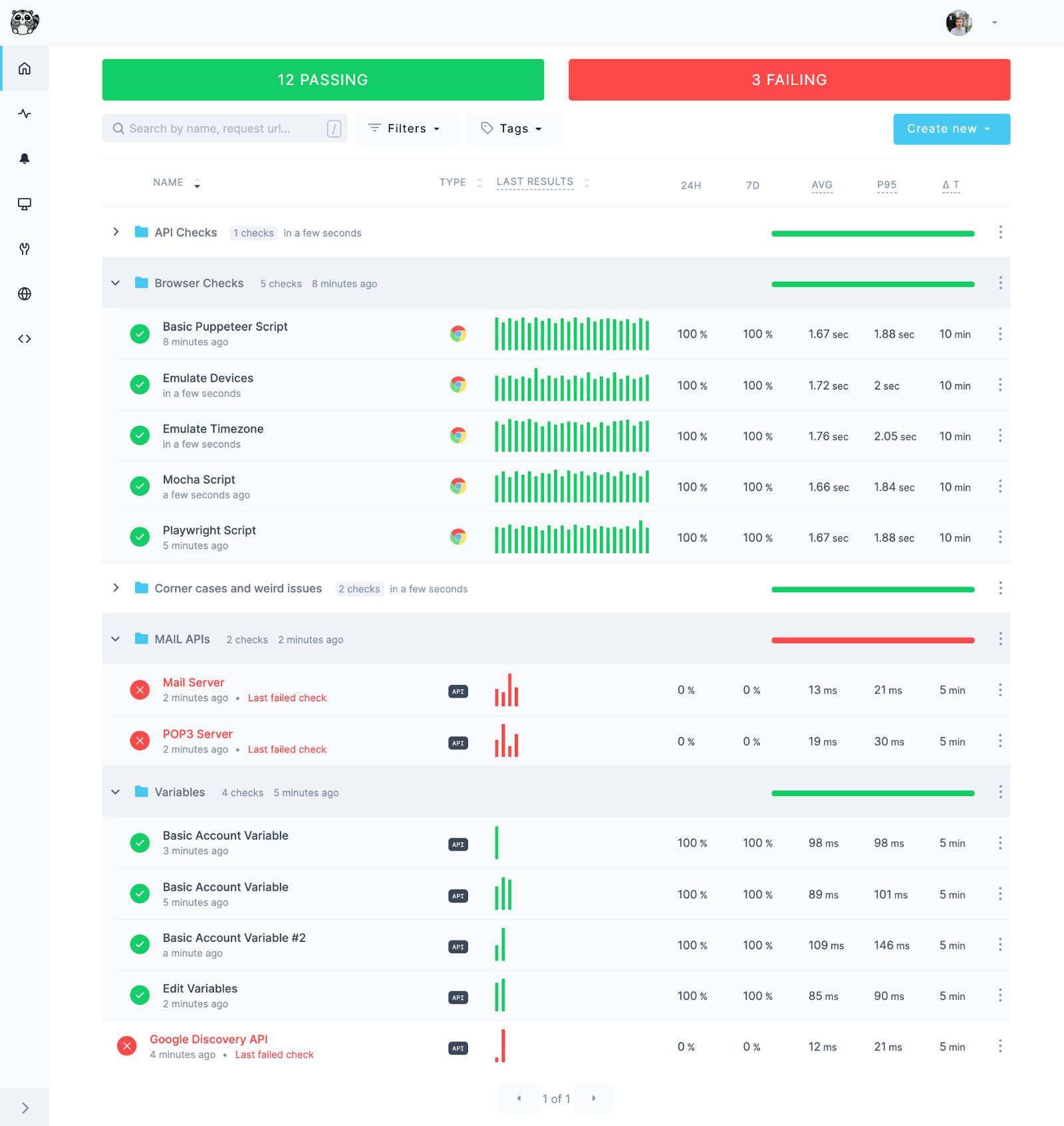
Introduction:
In today’s digital landscape, a website’s performance can make or break its success. For businesses and individuals relying on shared hosting solutions, the importance of effective performance monitoring is magnified. While shared hosting can be an economical choice, it often comes with limitations that can affect loading speeds, uptime, and overall user experience. This can be particularly challenging in a competitive online environment where every second counts. Understanding how to monitor and enhance your website’s performance on shared hosting is crucial for maintaining a seamless experience for your visitors. In this article, we’ll explore essential tips and tools that will help you keep your website running smoothly, optimize its performance, and ensure that your efforts translate into measurable results. Whether you’re a seasoned web administrator or a newcomer to website management, these insights will empower you to tackle the unique challenges of shared hosting. Let’s dive in!
Table of Contents
- Understanding the Limitations of Shared Hosting Environments
- Key Metrics to Monitor for Optimal Website Performance
- Effective Tools for Tracking Website Speed and Uptime
- Strategies to Optimize Resource Usage and Enhance Performance
- Future Outlook
Understanding the Limitations of Shared Hosting Environments
When utilizing shared hosting, it’s crucial to recognize the inherent limitations that come with this cost-effective option. Resource Allocation is a common constraint; multiple websites share the same server resources, which can lead to slower performance, especially during peak traffic hours. This makes load times unpredictable, as the performance of your website can be influenced by the activities of neighboring sites, leading to potential downtimes and increased latency. Another factor to consider is the limited control over server settings, as shared hosting providers often have specific configurations that restrict customization, leaving you unable to implement certain optimizations tailored to your site’s needs.
Additionally, shared hosting environments can pose security vulnerabilities. Since multiple websites reside on the same server, a security breach in one account can easily impact others. It is essential to remain vigilant by adopting best practices, such as regularly updating software and plugins, using strong passwords, and implementing SSL certificates for secure data transmission. Here are some key considerations:
- Verification of Backups: Ensure you have a reliable backup system in place.
- Monitoring Traffic: Use tools to track traffic spikes that could affect performance.
- Engaging Support: Leverage your hosting provider’s support resources for technical assistance.
Key Metrics to Monitor for Optimal Website Performance
To ensure your website runs smoothly on shared hosting, it’s crucial to keep an eye on specific performance metrics that can indicate potential issues. Page Load Time is one of the most important factors, as it directly affects user experience and search engine rankings. Aim for a load time of under 3 seconds, as studies show that users are more likely to abandon a site that takes longer. Another critical metric to monitor is Uptime, which measures the amount of time your website is operational and accessible. Ideally, you should strive for an uptime rate of 99.9% or higher to maintain reliability with your visitors.
Additionally, tracking Server Response Time can provide insights into how quickly your server responds to requests. This metric should typically be under 200ms to keep your website performing optimally. Another key indicator is Error Rate, which tracks the percentage of requests that result in server errors (like 404 or 500 errors). A high error rate can signal underlying issues that need immediate attention. Consider using tools to compile these metrics into easily readable tables, making it simpler to visualize your website’s performance over time.
| Metric | Target Value |
|---|---|
| Page Load Time | Under 3 seconds |
| Uptime | 99.9% or higher |
| Server Response Time | Under 200ms |
| Error Rate | Low percentage (aim for < 1%) |
Effective Tools for Tracking Website Speed and Uptime
Monitoring your website’s speed and uptime is crucial for delivering a seamless user experience, especially when utilizing shared hosting. Several tools stand out in providing valuable insights into your site’s performance. Google PageSpeed Insights allows you to analyze your web pages and offers suggestions for improvement, while GTmetrix goes a step further by breaking down performance metrics and tracking changes over time. Furthermore, tools like Pingdom and Uptrends provide uptime monitoring services that alert you in real-time if your website goes offline, ensuring that you can act quickly to remedy the situation.
Incorporating these tools into your website maintenance routine can drastically enhance your ability to track performance effectively. Regularly running speed tests with WebPageTest can help identify loading bottlenecks, while New Relic offers advanced server and application monitoring that is particularly useful for shared hosting environments. To give you a quick comparison of some popular tools, consider the following:
| Tool | Primary Features | Best For |
|---|---|---|
| Google PageSpeed Insights | Performance scores & optimization suggestions | SEO optimization |
| GTmetrix | Detailed reports & historical data | In-depth analysis |
| Pingdom | Uptime monitoring & alerts | Real-time performance tracking |
| WebPageTest | Advanced speed testing | Technical and detailed insights |
Strategies to Optimize Resource Usage and Enhance Performance
To maximize efficiency on a shared hosting environment, it’s critical to understand how to allocate your resources smartly. Start by caching static files using plugins like W3 Total Cache or WP Super Cache; this minimizes server load by delivering cached versions of your site to users rather than generating new pages with each request. Additionally, leverage a content delivery network (CDN) to distribute content across multiple locations, which not only accelerates load times but also reduces bandwidth consumption.
Regularly performing a database optimization is another effective strategy to enhance performance. Consider utilizing plugins like WP-Optimize to clean up overhead and reduce the size of your database, which can lead to faster queries. It’s also essential to monitor the number of active plugins; fewer plugins reduce potential conflicts and resource usage. Aim for a balance between functionality and performance. Here’s a quick overview of typical optimizations:
| Optimization Method | Effect |
|---|---|
| Caching Static Files | Reduces server load |
| Utilizing a CDN | Boosts load speeds |
| Database Optimization | Improves database efficiency |
| Minimizing Active Plugins | Enhances performance stability |
Future Outlook
effectively monitoring your website’s performance on shared hosting is crucial for ensuring optimal user experience and maintaining a competitive edge in the digital landscape. By implementing the essential tips outlined in this article—such as utilizing reliable monitoring tools, tracking key performance metrics, and optimizing your website’s content—you can identify potential issues before they escalate and enhance your site’s overall performance.
Remember, even in a shared hosting environment, your website has the potential to shine. Regular performance checks, combined with proactive optimizations, will not only improve load times and stability but also positively impact your SEO rankings and user engagement. As you continue your journey in website management, stay vigilant and adaptive to changes, as this will empower you to create a seamless and rewarding experience for your visitors.
Thank you for reading! If you have any questions or want to share your own tips and experiences with website performance monitoring, we encourage you to leave a comment below. Stay tuned for more insights and strategies to propel your online presence to new heights!